
Minecraft Java Downloads (Templates, Sounds, Music, Resource Packs)
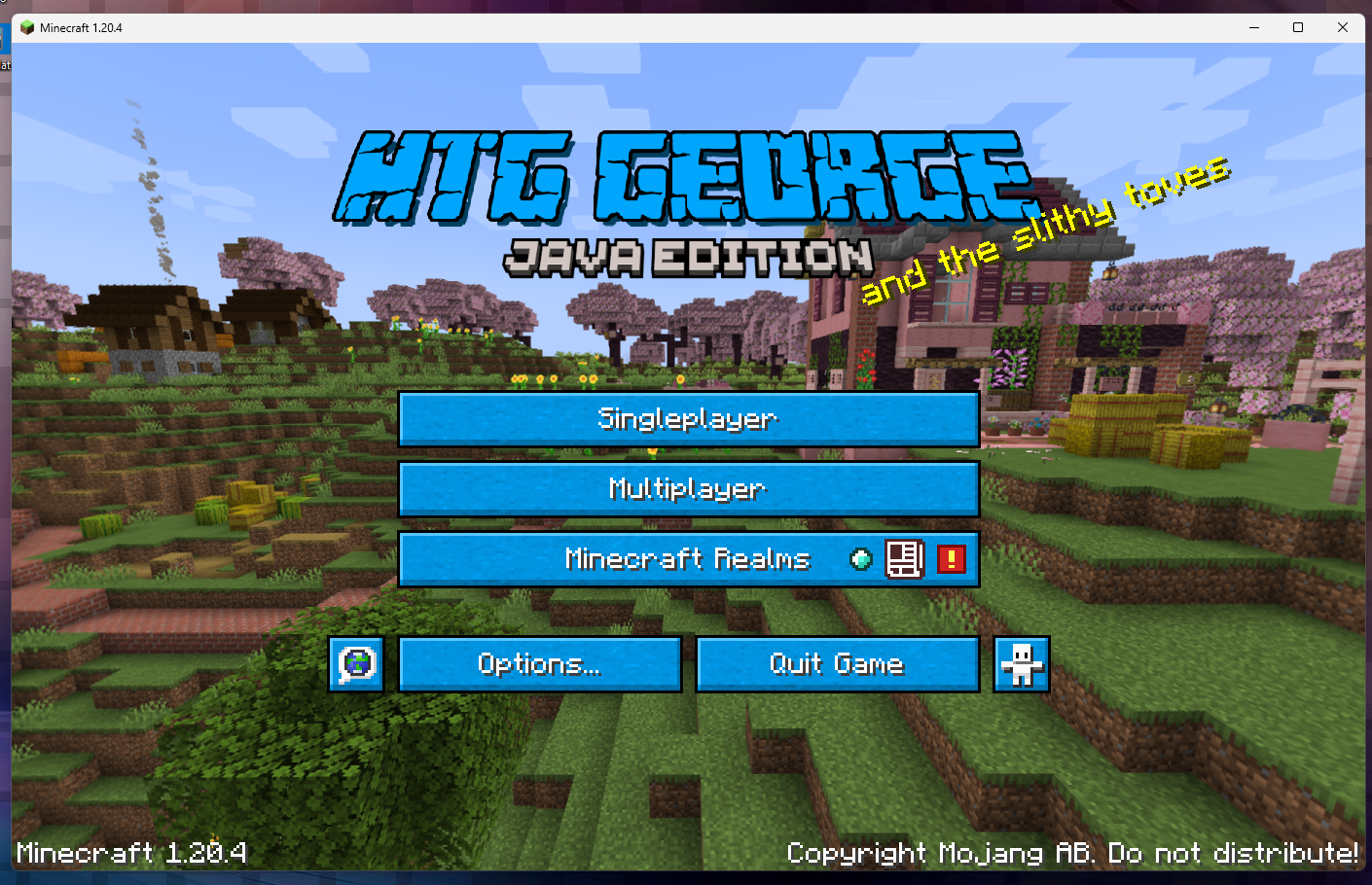
This is my grab-and-go Minecraft Java download page.
Everything here is linked from my tutorials so you can download files fast without hunting around.
Looking for skins instead? Visit my Planet Minecraft profile:
HTG George on Planet Minecraft
How to Use These Downloads
ZIP files (resource packs)
- Download the .zip file.
- Open Minecraft Java → Options → Resource Packs → Open Pack Folder.
- Drag the downloaded .zip into the pack folder.
- Go back to Minecraft and enable the pack.
Text / RTF files (lists + references)
- These are reference lists you can open on your computer while editing packs.
- Tip: Use Ctrl+F to quickly search for sound or music names.
Quick note: Java resource packs are usually installed as .zip files. Bedrock packs work differently (often .mcpack).
Language
- language_names.txt
— language codes + names (useful for lang files)
Sounds
- Minecraft Bee Sounds Java.txt
— bee-related sound paths - arcade.zip
— sound pack download - minecraft sounds 1.15.2 list.txt
— full sound list reference
Music
- Records in 1.21.txt
— music disc list for 1.21 - music list 1.21.rtf
— music list (RTF) - music list 1.21 by folders.rtf
— music list organized by folders (RTF) - background music 1.19.txt
— background music reference - Minecraft 1.18.1 Background Music.rtf
— background music reference (RTF) - Background Music 1.16.txt
— background music reference - minecraft sounds 1.15.2 list.txt
— sound list reference (duplicate link, kept for convenience) - Music Disk Names.txt
— disc name reference list
Resource Packs (Java)
Minecraft Java Downloads, simply download the pack, then install it via Options → Resource Packs → Open Pack Folder.
- Cheshire Cat.zip
- Custom-Paintings-1.21.10.zip
- New-Beds.zip
- Among Us.zip
- Custom Creeper.zip
- Custom Record 1.21.zip
- Custom Panorama 1.20.4.zip
- 1.16.1 Ancient Debris.zip
- Giant Sword 4.zip
- Swords.zip
- Note Block.zip
- Custom-Title-Logo.zip
Resource Packs (Bedrock)
This is a Bedrock version download. If you need more Bedrock files, check your Bedrock downloads page.
Next Steps
- Go to the Minecraft Java hub
— beginner guides + latest tutorials - pack.mcmeta downloads + beginner guide
— ready-to-use pack.mcmeta files by version