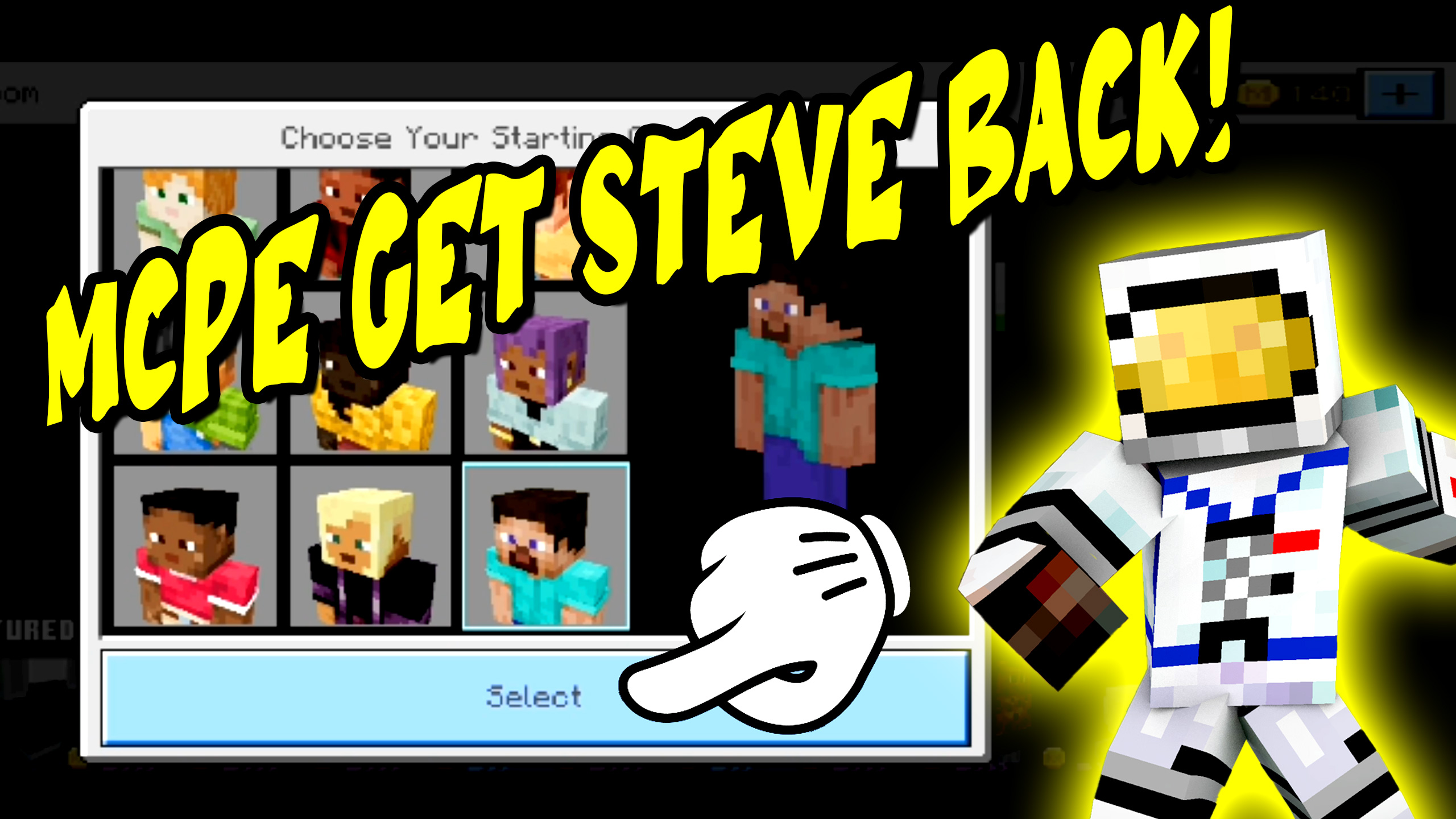
How to Get Steve Back in Minecraft PE (Restore Default Character)
Hi, George here! Have you ever been exploring the different characters in
Minecraft PE and suddenly realized that Steve is missing?
Don’t worry—it’s easy to bring the default Steve character back.
Here’s the simple step-by-step process.
Step 1: Open the Dressing Room
From the Minecraft main screen, click on the Dressing Room.
This opens the area where you can switch between your available characters.
You’ll see several characters to choose from.
Use the left and right arrows to scroll through them.
Whichever character appears in the center is your current active character.
Step 2: Delete a Custom Character Slot
If Steve is not listed, you’ll need to free up a character slot:
- Select any character so it appears in the middle.
- Click the trash can icon.
- Confirm the deletion.
After deleting the character, you’ll see a gray slot with a plus (+) symbol.
This indicates an empty character slot ready to create a new character.
Step 3: Recreate the Steve Character
- Move the gray plus slot to the center.
- Click Create Character.
- Select Character List.
- Find Steve in the list (bottom-right corner).
- Click Select and allow Minecraft to reload.
Once the reload finishes, Steve is restored and ready to use.
Step 4: Return to the Main Menu
Exit the Dressing Room using the upper-left corner back button
until you return to the main menu.
You should now see Steve displayed as your active character.
Final Thoughts
Getting Steve back in Minecraft PE is quick and simple:
- Open the Dressing Room
- Delete a character slot
- Create a new character from the list
- Select Steve
That’s all there is to it!
If you’d like more Minecraft PE tutorials, customization guides, and beginner tips,
be sure to like the video and subscribe for more step-by-step help.
I’m always creating new videos for Minecraft and Roblox.
Thanks for watching, and I’ll see you in the next tutorial!