
Best Tools for Gamers, Creators, and Streamers (2026)
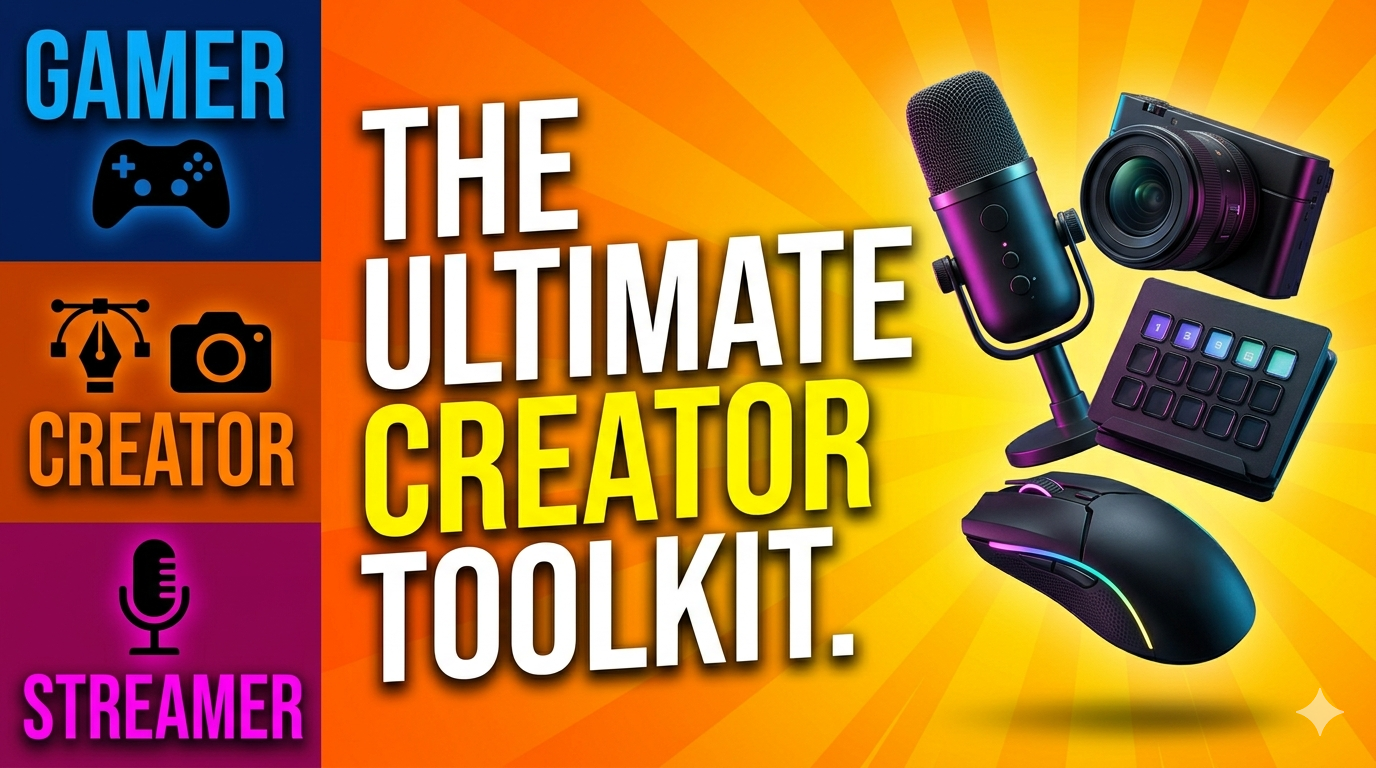
If you play Minecraft or Roblox, create gaming videos, build Roblox games, stream gameplay, or want to upgrade your studio setup, the right tools can make a huge difference.
This page is the main starting point for my recommended creator, gaming, studio, hardware, and AI tools. These categories are designed to support the new HTG George direction: gaming tutorials, Roblox game development, creator workflows, streaming setups, and studio build content.
I’ll keep this page updated as new guides, product reviews, sponsored videos, and recommended tools are added.
🎯 Start Here: Main Tool Categories
Choose the area that best matches what you want to build, improve, or upgrade.
- Creator Tools – Software, apps, and online tools for making videos, thumbnails, graphics, Roblox assets, and gaming content
- Creator Hardware – Computers, monitors, keyboards, mice, webcams, microphones, capture cards, and accessories for creators and streamers
- Creator Studio – Studio setup ideas, lighting, desks, camera setups, recording spaces, and streaming room upgrades
- Gaming Tools – Minecraft servers, Roblox tools, resource packs, game customization, and beginner-friendly gaming upgrades
- AI Tools – AI software for video ideas, thumbnails, scripts, image creation, game design, productivity, and creator workflows
🧰 Creator Tools
Creator tools are for gamers who want to make better content, not just play games. This section will include tools for recording videos, editing gameplay, designing thumbnails, creating Roblox clothing, building game assets, and improving your YouTube workflow.
- Best Creator Tools – My main guide to useful software and online tools for gaming creators
- Roblox Creator Tools – Tools for making Roblox clothing, gamepasses, icons, thumbnails, and game assets
- Minecraft Tools – Editors, resource pack tools, sound tools, and customization resources
🖥️ Creator Hardware
Creator hardware covers the gear that helps gamers, YouTubers, streamers, and beginner creators make better content. This can include budget computers, monitors, microphones, webcams, lighting, capture cards, and accessories.
- Best Creator Hardware – Hardware recommendations for gaming creators and streamers
- Best Budget Gaming Setup – Affordable gear for Minecraft, Roblox, recording, and beginner content creation
🎥 Creator Studio
The creator studio section focuses on building a better recording and streaming space. This includes studio layout, desks, lighting, sound treatment, camera placement, streaming setups, and product demos.
- Creator Studio Setup – Studio build ideas for YouTubers, gaming creators, and streamers
🎮 Gaming Tools
Gaming tools are focused on making Minecraft, Roblox, and other games more fun, customizable, and easier to play. This section includes server hosting, codes, free items, customization tools, and beginner-friendly gaming resources.
- Best Gaming Tools – My main hub for gaming-related tools and resources
- Best Minecraft Server Hosting – Play with friends, run your own world, and customize your Minecraft experience
- Minecraft Resource Packs & Sounds – Change how Minecraft looks and sounds
- Roblox Codes – Latest working promo codes and rewards
- Free Roblox Items – Find free Roblox gear, accessories, and avatar items
🤖 AI Tools
AI tools are becoming more useful for gaming creators, streamers, and beginner developers. This section will cover AI tools for planning videos, writing scripts, designing thumbnails, creating images, organizing projects, and helping with Roblox game development ideas.
- Best AI Tools for Creators – AI tools for YouTube creators, streamers, gaming content, and beginner game development
🚀 Why These Tools Matter
The right tools can help you do more than just play games. They can help you create, record, stream, build, design, and grow your own gaming brand.
- Play with friends on your own Minecraft server
- Create Roblox clothing, thumbnails, icons, and game assets
- Record better gaming videos
- Improve your streaming setup
- Build a more professional creator studio
- Use AI to speed up planning, design, and content creation
- Upgrade your setup without wasting money on the wrong gear
📌 How to Use This Page
This page is the main hub. Each section links to a more detailed guide where I break things down step-by-step.
👉 Start with the category that best fits your goal: making videos, building a studio, upgrading your gear, improving your games, or using AI tools.
Tip: Bookmark this page and check back as I add new product reviews, sponsored videos, tutorials, and recommended tools for gamers, creators, and streamers.