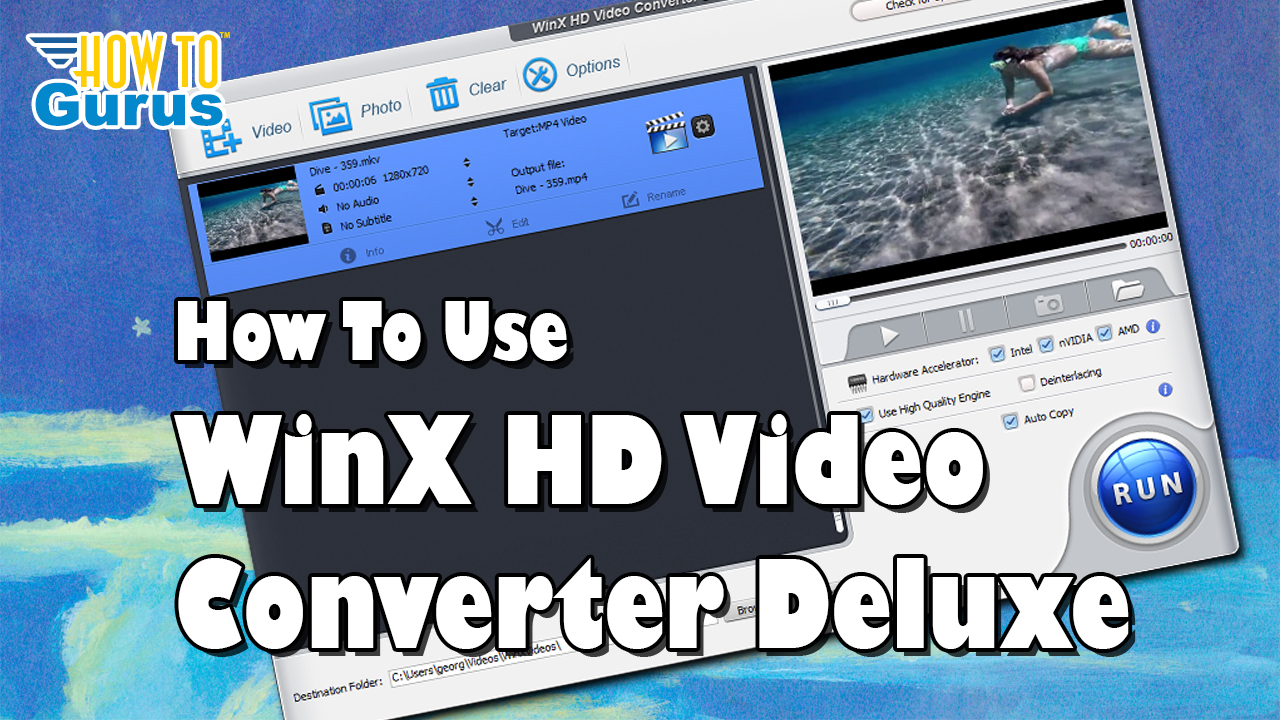
WinX HD Video Converter Deluxe Review: Easy Video Format Conversion
If you work with video files from different devices, you may run into different formats like MKV, MP4, MOV, AVI, WebM, or device-specific video files. WinX HD Video Converter Deluxe is designed to make those conversions simple.
In this review, we take a look at WinX HD Video Converter Deluxe, a video conversion tool that can convert video files, optimize them for different devices, and prepare them for editing or uploading.
This video is sponsored by WinX.
What Is WinX HD Video Converter Deluxe?
WinX HD Video Converter Deluxe is a video format converter that helps you change video files from one format to another. This is useful when videos come from different sources such as iPhones, iPads, Android phones, cameras, screen recorders, or downloaded files.
Since many editing workflows use MP4 as a common format, this tool can help convert unusual or incompatible formats into easier-to-use video files.
Main Features
- Convert videos from one format to another
- Convert MKV files to MP4
- Choose output profiles for devices and platforms
- Use standard MP4 or higher quality 4K MP4 output
- Preview videos before converting
- Merge multiple videos into one file
- Use hardware acceleration for faster conversion
- Use Auto Copy to keep the original codec when possible
- Add subtitles from an SRT file
- Do basic trimming, cropping, and subtitle editing
Why Convert Video Formats?
Video files can come from many different devices and recording tools. You might record on an iPhone, iPad, Android phone, camera, screen capture program, or download a video from the internet.
Because those files may use different formats and codecs, they may not always work smoothly in your video editor. Converting them to a common format like MP4 can make editing and uploading easier.
Adding a Video File
To begin, click the video button and choose the file you want to convert. In the demonstration, an MKV video file was added to the program.
After the file is loaded, it appears in the main workspace and in the preview window on the right side. You can play the clip before converting to make sure you selected the correct file.
Choosing an Output Profile
WinX HD Video Converter Deluxe includes many output profiles. You can choose formats for Apple devices, Android devices, Microsoft devices, Sony devices, general video formats, web video formats, YouTube, Facebook, and more.
For most editing workflows, a regular MP4 output is a good choice. If you need higher quality, you can also choose a 4K MP4 profile.
Hardware Acceleration
The program includes a built-in hardware accelerator. It checks your computer system and uses available hardware acceleration options such as Intel, NVIDIA, or AMD when available.
This can help speed up video conversion, especially on systems with supported hardware.
High Quality Engine and Deinterlacing
The High Quality Engine option can improve output quality, although it may take a little longer to process.
The Deinterlacing option is useful for video that came from interlaced sources, such as some TV or broadcast video. If your video is not interlaced, you can usually leave this option unchecked.
Merging Multiple Videos
You can add more than one video file and merge them into a single output video. This can be useful for quick rough cuts or combining clips without using a full video editor.
Auto Copy for Faster Conversion
The Auto Copy option keeps the original codec when possible. Since the video does not have to be fully re-encoded, this can make the conversion much faster.
If Auto Copy does not work correctly for a specific file, you can turn it off and run the conversion again.
Subtitles and SRT Files
If you have subtitles in an SRT file, you can import them into your video. SRT files contain captions along with timestamp information, making them useful for adding closed captions or subtitles to a video.
Basic Editing Tools
WinX HD Video Converter Deluxe is not a replacement for a full video editor, but it does include some simple editing options. You can:
- Trim video clips
- Crop or expand video framing
- Work with subtitles
- Rename the output file
- Add basic metadata such as artist, genre, or comments
Converting MKV to MP4
In the video example, an MKV file was converted to MP4. After choosing the output format, destination folder, and quality settings, the conversion was started with the Run button.
The short test video converted almost instantly, and the finished MP4 file played correctly in the video player.
Who Is WinX HD Video Converter Deluxe Good For?
WinX HD Video Converter Deluxe is a useful tool for:
- YouTube creators
- Video editors
- Content creators working with multiple devices
- People converting MKV to MP4
- Users preparing videos for editing
- People who need quick video format conversions
- Anyone who wants a simple video converter on their desktop
Final Thoughts
WinX HD Video Converter Deluxe is easy to use, fast, and helpful for converting video files into formats that are easier to edit, share, or upload.
With output profiles, hardware acceleration, Auto Copy, subtitle support, merging, and basic editing tools, it is a practical utility for anyone who works with video files regularly.