
How to Make a Classic T-Shirt in Roblox (2026 Guide)
Want to create your own custom Roblox classic t-shirt? In this beginner-friendly guide, I’ll walk you through exactly how to upload, price, and sell your t-shirt in Roblox using the updated 2026 process.
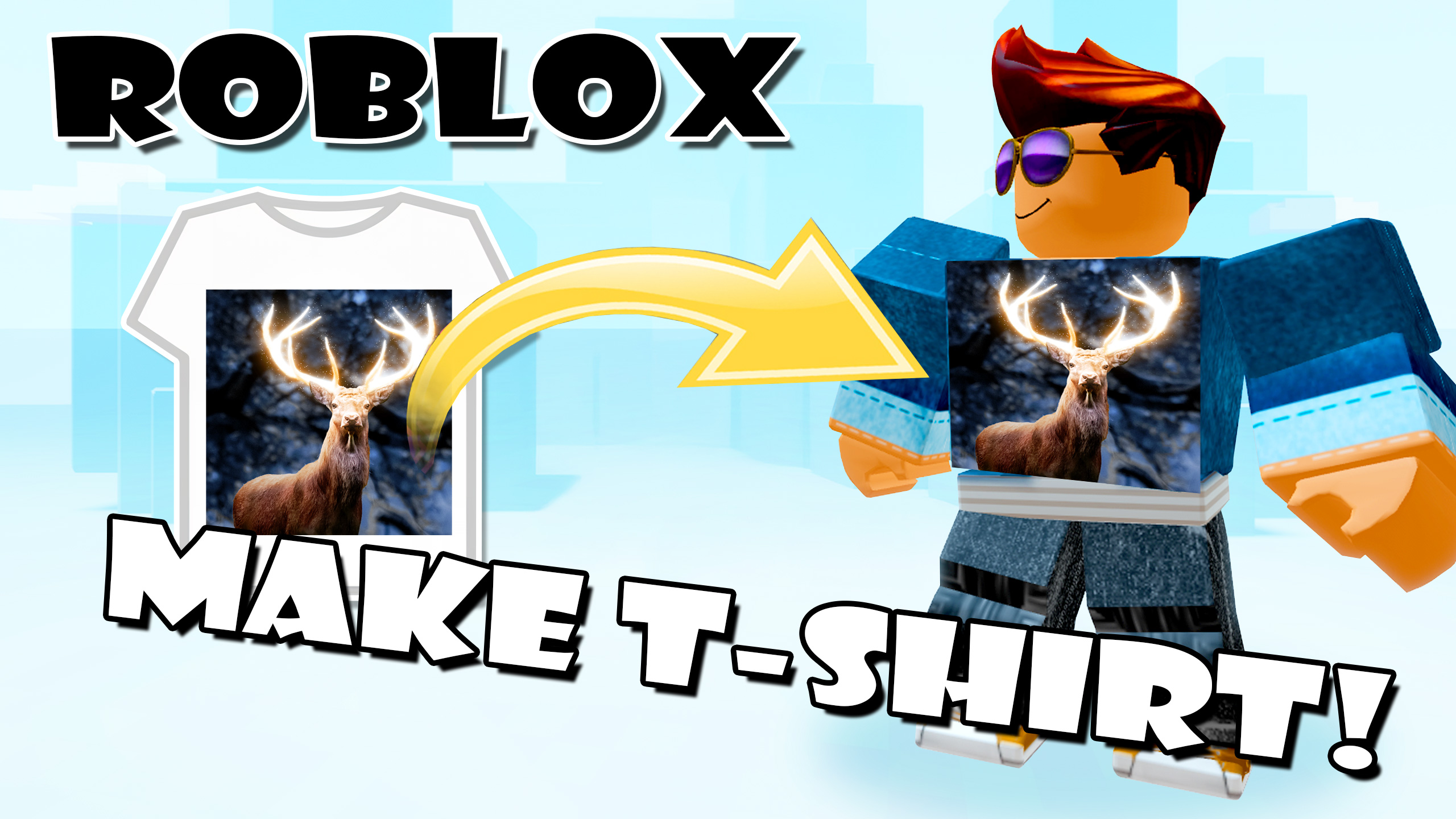
There have been some important changes recently, including a new upload fee, so make sure you follow this updated step-by-step tutorial.
What Changed in 2026?
Before you begin, here are the big changes to know about:
- Classic t-shirts are no longer free to upload
- It now costs 10 Robux per upload
- A Premium 1000 membership may soon be required for marketplace sales
If you plan on selling your t-shirt design, keep those changes in mind.
Step 1: Open the Roblox Creator Hub
To make a classic t-shirt, you need to be inside the Roblox Creator Hub.
In a web browser:
Go to https://create.roblox.com
In the Roblox app:
- Click More on the left side
- Click Create
Both methods take you to the same place.
Step 2: Go to Classic T-Shirts
Inside Creator Hub, follow these steps:
- Click Creations
- Click Avatar Items
- Click Classics
- Set the item type to Classic T-Shirts
Step 3: Prepare Your T-Shirt Image
Classic t-shirts are very simple compared to shirts and pants. They are basically just a square image that appears on the front of your avatar.
Here are the recommended image settings:
- Best file type: PNG
- Why PNG? It supports transparency
- Recommended minimum size: 1024 x 1024 pixels
- Maximum file size: 20 MB
A transparent PNG works especially well if you want your design to blend nicely onto clothing.
Step 4: Upload Your T-Shirt
- Click Upload Asset
- Select your image file
- Enter a Name for the item
- Add a Description
You can use up to 50 characters for the name and up to 1,000 characters for the description.
If you plan on selling the t-shirt, it’s a good idea to use a strong title and description that make the item sound interesting and appealing.
You can also use ChatGPT or another writing tool to help you generate a quick item description.
Step 5: Pay the Upload Fee
Once everything is ready:
- Click Upload
- Confirm the 10 Robux upload cost
After the upload is complete, your classic t-shirt will appear in your creations list.
Step 6: Put the T-Shirt On Sale
New uploads start off as Off Sale.
To sell your t-shirt:
- Click on the uploaded item
- Choose a selling price
Current pricing rules:
- The lowest selling price is 5 Robux
- You can set a fixed price
- Or you can set a price above the floor price
You can also leave regional pricing turned on so Roblox automatically adjusts pricing for different countries.
Earnings and Fees
Here is how earnings work for classic t-shirts:
- Marketplace sales: You receive 70%
- In-experience sales: You receive 60%
There is also a 10 Robux publishing advance. This helps cover the first few sales, and Roblox recoups that amount through its share until the advance is recovered.
Step 7: Publish the Item
- Click Publish Item
- Click Pay and Publish
Your t-shirt is now live and available for sale.
You can also schedule the sale for a later time if you prefer, but most beginners will just publish it right away.
Step 8: Share Your T-Shirt Link
Classic t-shirts can be hard for people to discover through marketplace search alone, so it helps to promote them yourself.
To copy your item link:
- Click the three dots next to the item
- Choose the option to copy the URL
- Paste and share that link wherever you want
You can promote your t-shirt on YouTube, on your website, or inside your Roblox experiences.
Step 9: Wear Your T-Shirt
Once the item is uploaded, you already own it, so you can equip it on your avatar right away.
Keep in mind:
- Classic t-shirts only cover part of the front of the torso
- They look best on blocky avatars
- Many players wear them under jackets for a better look
Beginner Tips for Better Results
- Use bold, easy-to-see graphics
- Center your design on the image
- Use PNG files for transparent backgrounds
- Pick a strong title if you plan to sell it
- Promote your item instead of relying on marketplace search
Final Thoughts
Making a Roblox classic t-shirt is one of the easiest ways to start creating custom avatar items, even if you’re brand new to Roblox.
With a simple square image, a good design idea, and a small Robux fee, you can create your own wearable item and even put it up for sale.
If you’re just getting started with Roblox, classic t-shirts are a great beginner project.
Want more beginner Roblox guides? Check out the rest of the tutorials here on HTG George for more step-by-step help.